

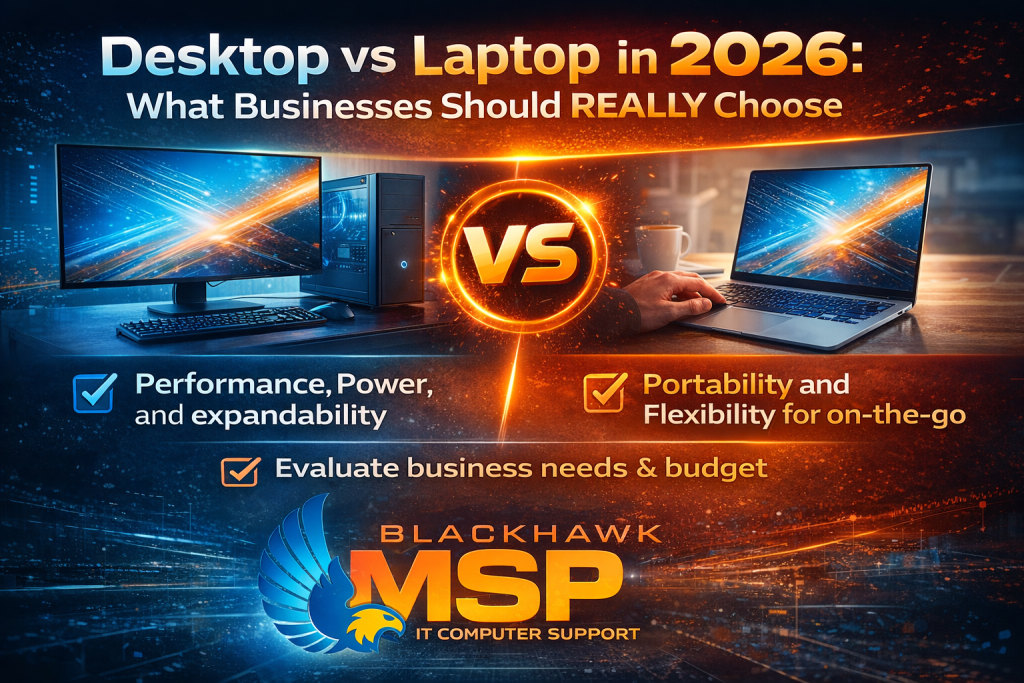
Desktop vs Laptop in 2026: What Businesses Should REALLY Choose
Choosing between desktops and laptops in 2026 isn’t just an IT decision—it’s a business productivity decision.
The wrong choice can slow your team down, increase costs, and create long-term limitations.
The right choice can improve efficiency, flexibility, and overall performance.
This guide breaks down exactly what businesses should consider—and what actually works in the real world.
When Desktops Make More Sense

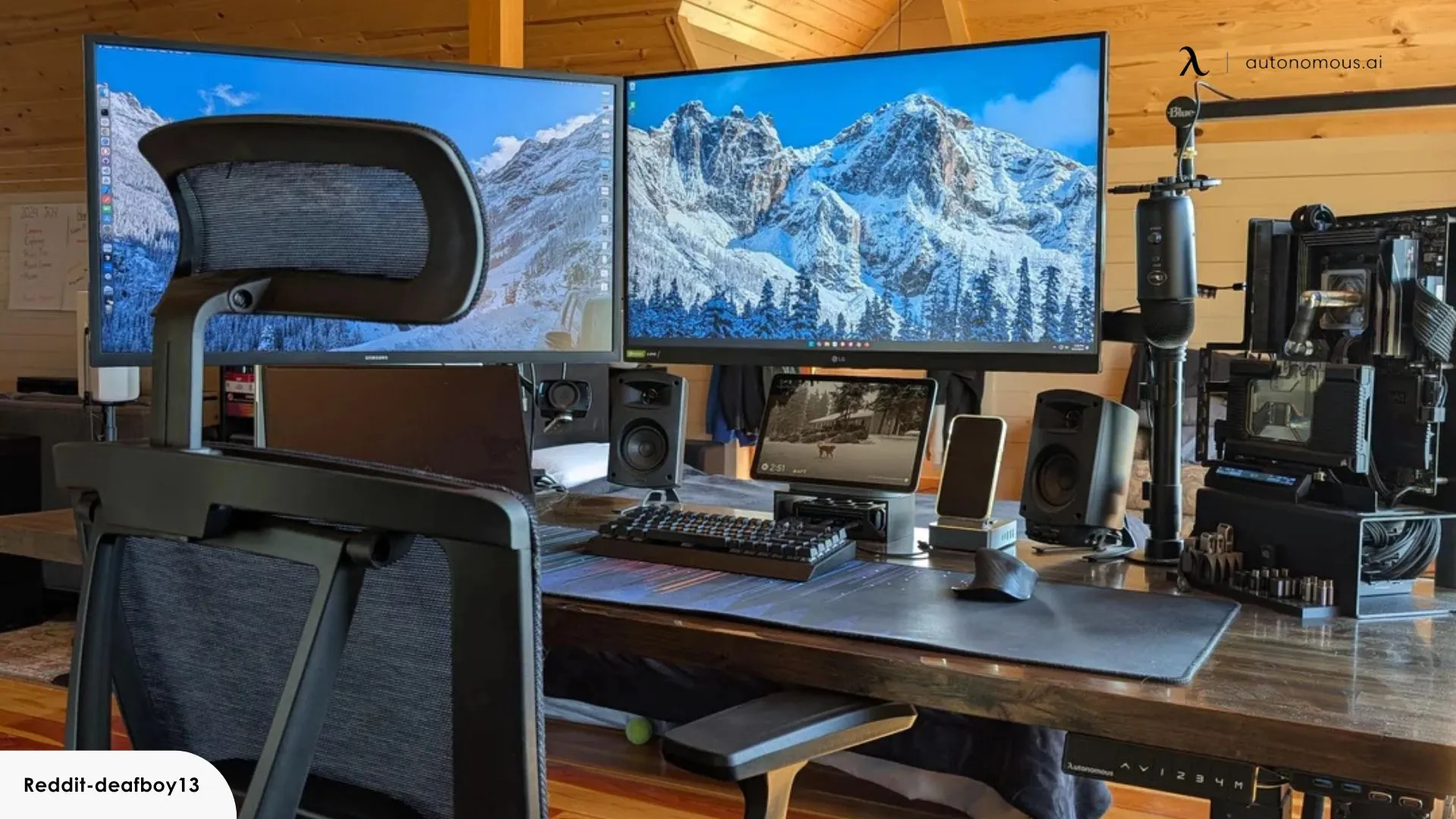
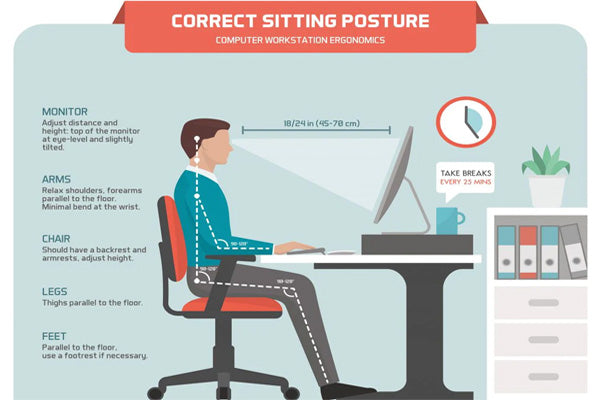
Desktops are still the best option for performance and value in many business environments.
✔ Higher Performance for the Cost
Desktops deliver more power per dollar:
- Faster processors
- Better cooling (less throttling)
- More RAM capacity
- Dedicated GPUs (if needed)
This matters for:
- Accounting systems
- Large spreadsheets
- Design and engineering software
- Database-heavy applications
✔ Ideal for Multi-Monitor Setups
Multiple monitors = higher productivity.
Desktops easily support:
- 2–4 monitor configurations
- Large screen setups for multitasking
- Stable performance across all displays
✔ Longer Lifespan & Upgradeability
Unlike laptops, desktops can be upgraded:
- Add more RAM
- Replace storage
- Upgrade graphics
This extends lifespan to 4–6+ years, reducing long-term costs.
✔ Best for Office-Based Roles
Desktops are perfect when employees:
- Work from a single location
- Don’t need mobility
- Require consistent, high-performance
When Laptops Are the Better Choice

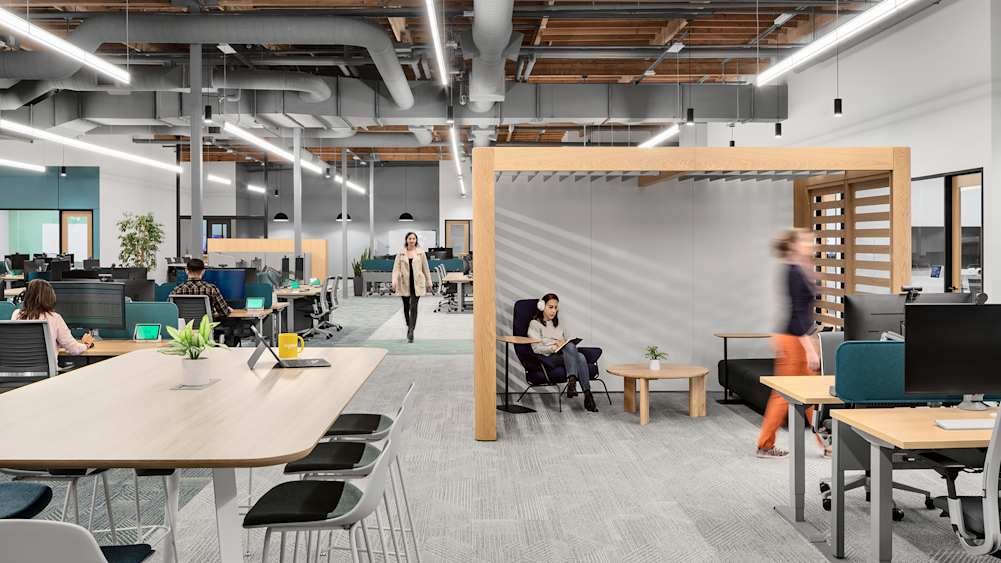
Laptops dominate modern workplaces—and for good reason.
✔ Built for Hybrid & Remote Work
Today’s workforce is mobile:
- Work from home
- Travel between offices
- Attend meetings on the go
Laptops enable true flexibility.
✔ Portability = Productivity
Work doesn’t stop when you leave your desk:
- Access files anywhere
- Join meetings instantly
- Stay connected on the move
✔ Built-In Battery Backup
Power outage? No problem.
Laptops keep running, protecting:
- Active work
- Unsaved data
- Business continuity
✔ Clean, Flexible Workspaces
With docking stations, laptops can function like desktops:
- Connect to monitors
- Use a full keyboard/mouse
- Maintain a minimal desk setup
The Smart Approach in 2026 (What Most Businesses Should Do)
The biggest mistake businesses make is choosing one device type for everyone.
That approach is outdated.
✔ Best Practice Model:
Standard Users (Most Employees):
➡️ Laptops + Docking Stations
- Flexibility + office productivity
- Ideal for admin, sales, and management
Power Users:
➡️ Desktops
- Maximum performance
- Ideal for finance, design, operations
Cost Considerations (What Most People Get Wrong)
Many businesses assume laptops are more expensive—and stop there.
But the real question is:
👉 What is the cost of lost productivity?
- Slow systems = wasted employee time
- Downtime = lost revenue
- Cheap hardware = more replacements
The cheapest device is rarely the most cost-effective.
Security & Management Considerations
In 2026, device choice also impacts security.
Laptops:
- Higher risk of loss/theft
- Require encryption (BitLocker)
- Need strong endpoint protection
Desktops:
- Physically secure in-office
- Lower risk of theft
- Easier to control environment
👉 Both require:
- Endpoint protection
- Patch management
- Monitoring
Common Mistakes Businesses Make
Avoid these:
❌ Buying consumer-grade devices
❌ Under-spec’ing hardware (especially RAM)
❌ Ignoring future growth
❌ Not standardizing devices
❌ Choosing based on price alone
Final Recommendation
There is no one-size-fits-all answer.
But for most businesses in 2026:
✔ Use laptops with docking stations for flexibility
✔ Use desktops for performance-heavy roles
✔ Standardize hardware across your organization
✔ Plan for a 3–5 year refresh cycle
Need Help Choosing the Right Setup?
At Blackhawk MSP, we help businesses:
- Standardize hardware
- Improve performance
- Reduce IT issues
- Plan for long-term growth
📞 1-925-218-4000
🌐 https://blackhawkmsp.com