

Selecting the best business computer in 2026 requires careful consideration of performance, reliability, and total cost of ownership. This comprehensive guide will help you make an informed decision for your business technology needs.
Why Choosing the Right Business Computer Matters
The best business computer 2026 can significantly impact your company's productivity, security, and bottom line. With remote work becoming standard and cybersecurity threats evolving, your computer infrastructure is more critical than ever.
Essential Features of the Best Business Computer 2026
Processor Performance for Business Applications
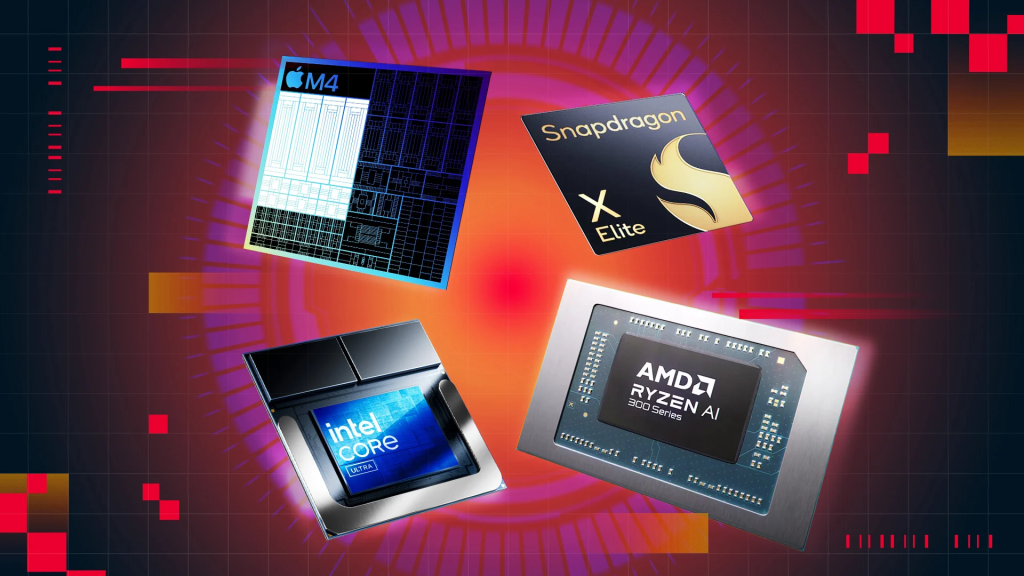
Modern business computers need processors that handle multitasking efficiently. Intel's 14th-generation Core processors and AMD's Ryzen 7000 series offer excellent performance for business applications. The best business computer 2026 should feature at least an Intel Core i5 or AMD Ryzen 5 processor for standard office work, while data-intensive tasks require i7 or Ryzen 7 chips.
Memory Requirements for Optimal Performance
Random Access Memory (RAM) is crucial for smooth multitasking. The minimum standard for the best business computer in 2026 is 16GB of RAM, though 32GB provides better future-proofing. Businesses running virtual machines, extensive databases, or creative applications should consider 64GB configurations.
Storage Solutions: SSD vs. HDD
Solid State Drives (SSD) have become the standard for business computers. The best business computer 2026 should include at least a 512GB NVMe SSD for operating systems and applications, with additional storage options available as needed. NVMe drives offer significantly faster read/write speeds compared to traditional SATA SSDs.
Security Features You Can’t Ignore
Modern business computers must include hardware-based security features. Look for TPM 2.0 chips, BIOS-level protection, and Windows 11 Pro compatibility. The best business computer in 2026 incorporates biometric authentication, encrypted storage, and secure boot to protect sensitive business data.
Desktop vs. Laptop: Which is the Best Business Computer for You?
When Desktop Computers Make Sense
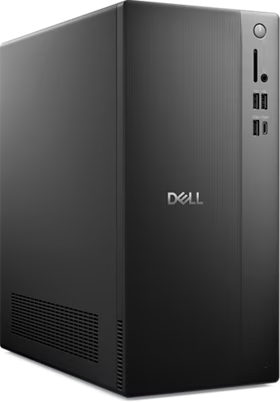
Desktop computers offer superior performance per dollar, easier upgradability, and better ergonomics for permanent workstations. They're the best business computer choice for roles requiring multiple monitors, intensive processing, or specialized peripherals.
The Laptop Advantage
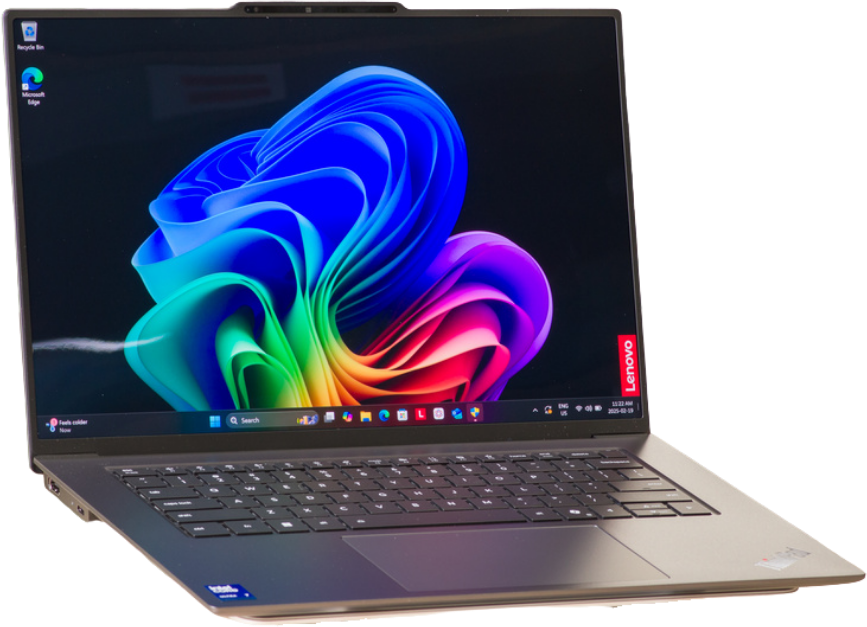
Modern business laptops combine portability with impressive performance. For hybrid work environments, a laptop might be the best business computer option in 2026. Consider models with extended battery life (10+ hours), lightweight designs (under 4 pounds), and comprehensive port selections.
Top Brands for Best Business Computers in 2026
Dell Business Solutions
Dell's OptiPlex desktop series and Latitude laptop line consistently rank among the best business computers. Their ProSupport services and customization options make them popular for enterprises of all sizes.
Lenovo ThinkPad and ThinkCentre
Lenovo's business computers are renowned for durability and keyboard quality. The ThinkPad X1 series represents some of the best business computers 2026 for executives and road warriors.
HP EliteBook and ProDesk
HP's business-focused computers offer excellent manageability features and security options. Their Elite series includes some of the most secure business computers available.
Budget Considerations for Business Computers
Entry-Level Business Computers ($600-$900)
These systems handle basic office tasks efficiently. While not the highest performers, they offer good value for roles focused on email, web browsing, and document creation.
Mid-Range Business Computers ($900-$1,500)
This category offers the best balance of performance and value, making it the best business computer 2026 choice for most organizations. They handle complex spreadsheets, video conferencing, and moderate multitasking with ease.
Premium Business Computers ($1,500+)
High-end business computers serve power users, creative professionals, and executives. They offer cutting-edge performance, premium materials, and comprehensive security features.
Operating System Considerations
Windows 11 Pro for Business
Windows 11 Pro remains the dominant business operating system, offering extensive software compatibility, enterprise management tools, and familiar interfaces. The best business computer for Windows environments in 2026 should support Windows 11 Pro's advanced security features.
Alternative Operating Systems
Some businesses successfully deploy macOS systems for creative teams or Linux distributions for specific technical roles. Carefully consider your software requirements before selecting an operating system.
Warranty and Support Packages
The best business computer isn't just about hardware specifications. Warranty coverage, on-site service options, and technical support quality significantly impact the total cost of ownership. Look for manufacturers offering next-business-day service, accidental damage protection, and extended warranty options.
Energy Efficiency and Environmental Considerations
Modern business computers consume significantly less power than previous generations. Energy Star certification and EPEAT ratings help identify environmentally responsible options. The best business computer 2026 balances performance with energy efficiency, reducing operational costs and environmental impact.
Future-Proofing Your Investment
Technology evolves rapidly, but the best business computer should remain productive for 4-5 years. Prioritize systems with:
- Upgradable RAM slots for future memory expansion
- Additional storage bays or M.2 slots
- Current-generation ports (USB-C, Thunderbolt 4)
- Modern wireless connectivity (Wi-Fi 6E or Wi-Fi 7)
Making Your Final Decision
Choosing the best business computer in 2026 requires balancing immediate needs with future requirements. Assess your specific business applications, consider the total cost of ownership, including support and warranties, and select systems from manufacturers with proven business computing track records.
Expert Consultation and Professional Setup
Working with experienced IT professionals ensures you select and configure the best business computer for your specific needs. Professional setup services include driver optimization, security configuration, and integration with existing business systems.
At Blackhawk Computers, we help businesses throughout the region select, configure, and maintain the best business computers for their unique requirements. Our team stays current with the latest business computing trends and can provide personalized recommendations based on your budget, applications, and workflow.
Contact us today to discuss which business computers best fit your organization's needs and let our experts guide you through the selection and setup process.
Last updated: January 2026