

Why Microsoft 365 Is NOT Secure by Default
Microsoft 365 is one of the most powerful business platforms available today.
But there’s a dangerous misconception:
👉 “We’re using Microsoft 365, so we’re secure.”
That’s not how it works.
Out of the box, Microsoft 365 provides a foundation—but not a fully secured environment.
Without proper configuration, your business is exposed to real risks.
Let’s break down what’s missing—and what you actually need.
⚠️ The Default Security Gap



4
Most Microsoft 365 tenants are deployed with:
- Minimal security policies
- Basic configurations
- No advanced protections enabled
This leaves the door open for:
- Phishing attacks
- Account takeovers
- Data exposure
🔑 Multi-Factor Authentication (MFA)
MFA is the single most important security control—yet many businesses don’t enforce it.
What It Does:
- Requires a second form of verification
- Protects against stolen passwords
Without MFA:
If a password is compromised:
➡️ Attackers gain full access instantly
That includes:
- Email accounts
- SharePoint/OneDrive files
- Internal communications
🌍 Conditional Access

4
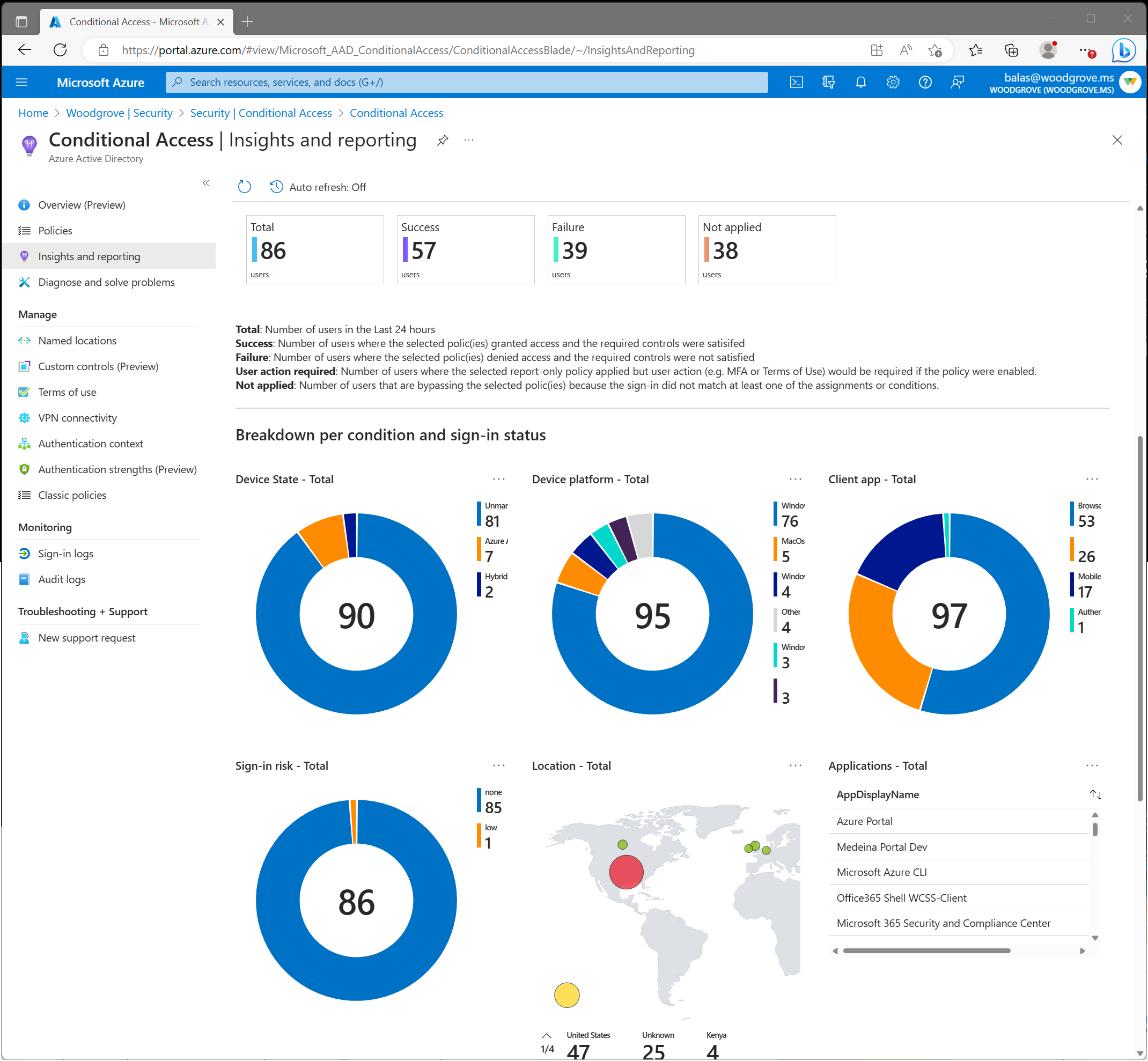
Conditional Access acts as a gatekeeper for your environment.
What It Controls:
- Who can log in
- From where
- On what device
- Under what conditions
Example Policies:
✔ Block logins from high-risk countries
✔ Require compliant devices
✔ Enforce MFA based on risk
Without this:
➡️ Anyone, anywhere can attempt access
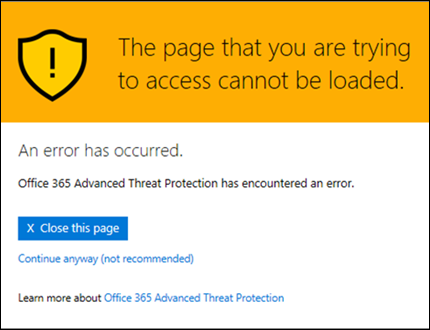
📧 Safe Links & Safe Attachments

4
Email is still the #1 attack vector.
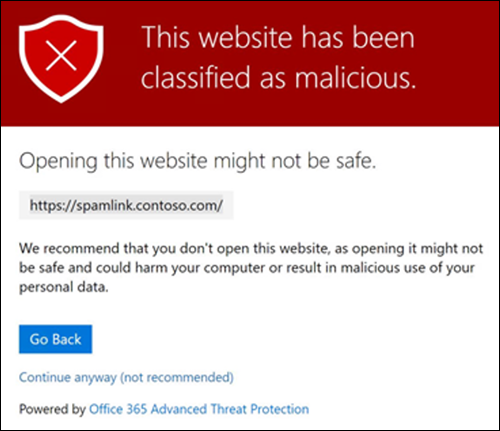
Safe Links:
- Rewrites and scans URLs in emails
- Blocks malicious websites in real time
Safe Attachments:
- Opens attachments in a sandbox
- Detects malware before users can open files
Without proper configuration:
➡️ Phishing emails can bypass basic filters
🚫 Common Mistakes We See
Most businesses:
- Assume Microsoft enabled everything
- Don’t enforce MFA across all users
- Have no conditional access policies
- Don’t monitor login activity
- Rely on default spam filtering
🔐 What a Properly Secured Microsoft 365 Environment Looks Like
A secure setup includes:
✔ MFA enforced for all users (no exceptions)
✔ Conditional access policies in place
✔ Safe Links & Safe Attachments configured
✔ External sharing controlled
✔ Login monitoring and alerting
✔ Regular security reviews
💥 Real-World Impact of Poor Configuration
When Microsoft 365 isn’t secured properly:
- Email accounts get compromised
- Attackers send phishing emails internally
- Financial fraud can occur (wire transfers, invoice scams)
- Sensitive data is exposed
And most of the time—it starts with a single compromised account.
🧠 Final Thought
Microsoft 365 is powerful—but it’s not “set it and forget it.”
Security requires:
- Proper configuration
- Ongoing monitoring
- Continuous improvement
📞 Secure Your Microsoft 365 the Right Way
At Blackhawk MSP, we:
- Audit your current setup
- Implement enterprise-grade security
- Monitor and protect your environment
So you don’t have to worry about what’s happening behind the scenes.
📞 1-925-218-4000
🌐 https://blackhawkmsp.com